What Is Snapchat? Key Features, How It Works and What It’s Used For
Snapchat is one of the most popular social media apps for sharing photos, videos, and messages that disappear after being viewed. In this guide, you’ll learn how Snapchat works, its main features, and why millions of users use it for communication and social sharing.

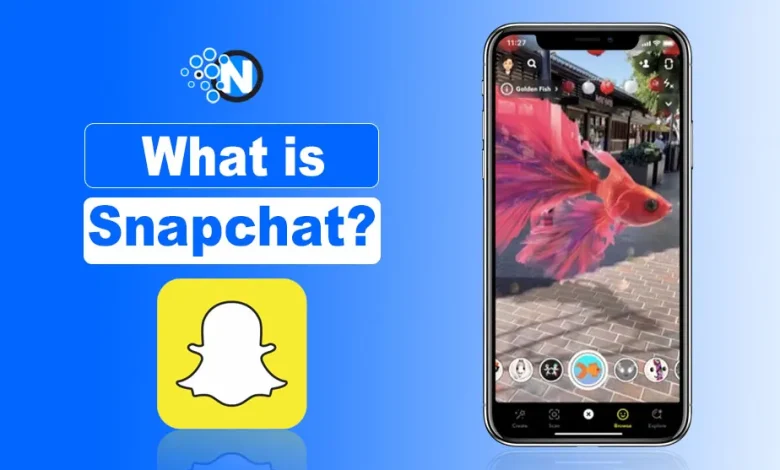
Snapchat is a multimedia messaging app that is used to share videos or images that called snaps to friends and family. I can chat by using the privacy feature, see friends on Snap Map, and get creative with Lenses, Filters, and Bitmoji avatars🧍.
Snapchat AI (My AI) and Snapchat Plus also enhance creativity and offer exclusive tools, while snapchat privacy controls like Ghost Mode and disappearing messages keep my interactions secure.
Snapchat is known for real-time, authentic sharing, interactive games, content discovery through Spotlight, and even creative AI features.

Also, you’ll explore how to get started, plus bonus links to in-depth Snapchat guides covering advanced features and tips I’ve already published.
Some Useful Snapchat Guides By NogenTech for Users
If you want deeper tutorials and feature breakdowns, I cover several Snapchat guides on NogenTech like subscriptions, AI tools, privacy settings, creative features, and account management.
Here are some helpful guides you can explore:
- Snapchat Plus: How to set up a Snapchat Premium account, and how to cancel Snapchat Plus.
- Snapchat AI Guides: How to unpin AI from chats, and how Snapchat’s AI algorithms work.
- Stories, Profiles & Privacy: Snapchat Story Viewer guide, private Story names, and how to create a public profile.
- Friendship & Engagement Features: Tips for maintaining Snapstreaks.
- Creative Tools & Stickers: Love stickers, flirty stickers, and funny Snapchat sticker collections.
- Customization & Visual Design: Resources to download Snapchat logo icons.
- Growth, Content & Activity: Snapchat views explained, what to post on Snapchat, Snapchat games, and recovering deleted Snapchat memories.
How Does Snapchat Work?
Snapchat works as a camera-first messaging app that focuses on real-time sharing. Snapchat app lets users communicate through photos, videos, and short messages that are temporary by default.
The app organizes communication into Snaps and Chats, rather than public timelines.
How Snaps and Chats behave on Snapchat:
- Snaps focus on photos and videos
- Chats support text, media, and voice
- Messages are private by default
- Content disappears automatically
- Users control visibility settings
Today, Snapchat boasts 943 million Monthly Active Users (MAUs) worldwide, with over 4.75 billion Snaps created every day. Its primary user base consists of Gen Z and Millennials, with approximately 82% of US teenagers use Snapchat once a month.
What Do Disappearing Messages Mean on Snapchat?
Snapchat disappearing messages are messages that automatically delete after viewing or after a set time. Snapchat uses this system to encourage casual, pressure-free communication.
Snapchat message duration options:
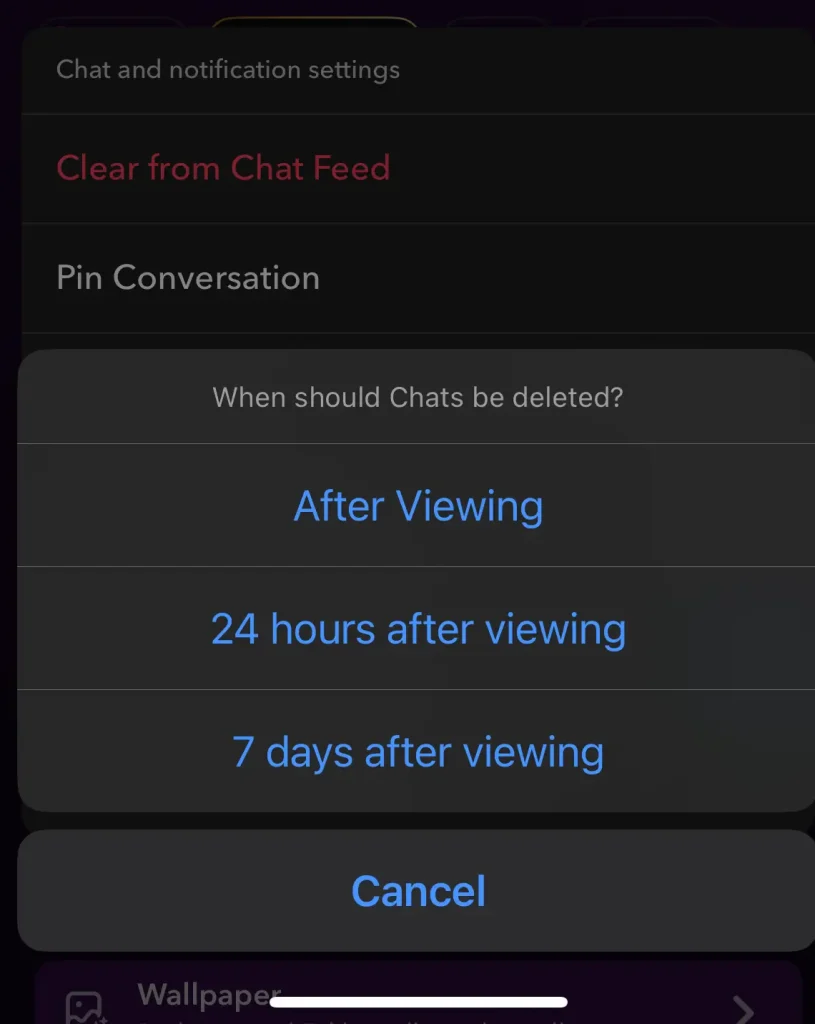
- Delete after viewing
- Delete after 24 hours
- Keep messages manually in chat
Disappearing messages are the default behavior on Snapchat, not an optional feature.
Can Snapchat Messages Be Saved or Screenshotted?
yes, Snapchat messages can be saved when users tap to keep them in chat. Saved messages remain visible until removed by either person. Snapchat allows screenshots, but the app notifies users when a screenshot or screen recording happens.
What Snapchat notifies users about:
- Screenshots of Snaps
- Screenshots of chats
- Screen recordings
Information About Snapchat Slang Use by Gen Z
- Streaks (Snapstreaks): Daily Snap exchanges with a friend to keep a streak alive.
- SB (Snap Back): A request asking someone to send a Snap back.
- SFS (Shoutout for Shoutout): A way to promote each other’s accounts for more followers.
- PMOYS (Put Me On Your Story): Asking someone to feature you in their Story.
- WYLL (What You Look Like): A way of asking for a selfie or Snap.
- LMR (Like My Recent): Asking friends to like or view a recent Snap or Story.
- OTP (One True Pairing): Shared when showing a couple or favorite pair on Snapchat.
- HMU (Hit Me Up): A casual invite to chat or Snap.
Different Chat Colors and Their Meanings on Snapchat
Snapchat uses different chat colors to represent the status of your messages. These colors helps you know whether your Snap or chat has been delivered, opened, or pending.
Here’s what each color means describe in the table below:
| Icon / Color of snapchat symbols in messages | Meaning |
|---|---|
| 🔴 Red | Snap sent without audio |
| 🟣 Purple | Snap sent with audio |
| 🔵 Blue | Chat (text message) sent |
| ⚪ Gray | Pending message / not delivered |
| Filled Arrow | Sent successfully |
| Hollow Arrow | Opened by recipient |
| Double Arrow | Screenshot taken by recipient |
| Replay Icon | Snap replayed by friend |
Key Features Of Snapchat in 2026
Snapchat features focus on temporary communication, visual sharing, and AI-powered creativity. Snapchat uses a camera-first system where photos, videos, and interactions disappear by default.
Snapchat Stories and Temporary Sharing
Snapchat Stories allow users to share photos and videos that remain visible for 24 hours. Snapchat Stories appear in a vertical sequence and update in real time.
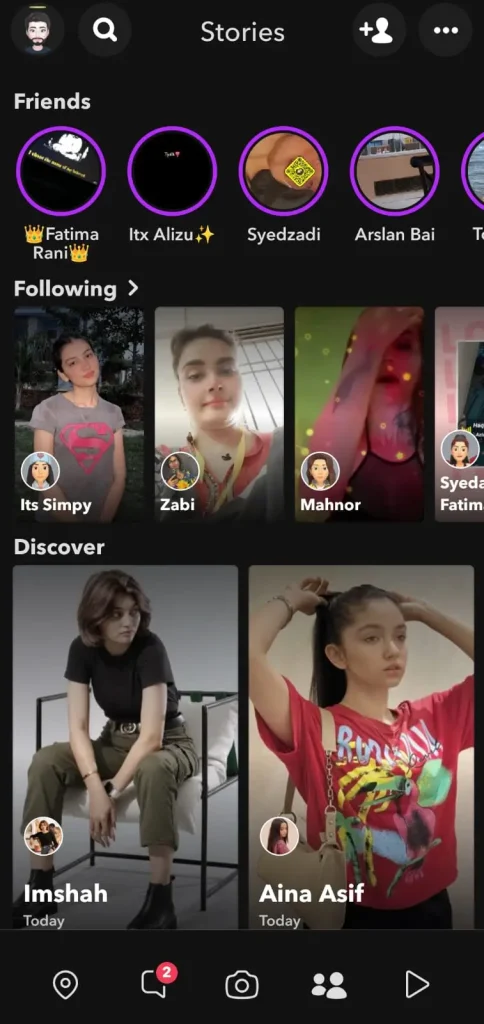
Snapchat temporary sharing reduces long-term content visibility and promotes casual posting.
Snapchat Stories features:
- 24-hour auto-expiration
- Public or friends-only visibility
- View counts and replies
- Story pinning for profiles
- Automatic removal after expiry
Snapchat Spotlight and Content Discovery
Snapchat Spotlight is a public short-video feed. Snapchat Spotlight uses viewing behavior to surface trending and personalized videos.

Snapchat Spotlight supports creator discovery and content reach beyond friend networks.
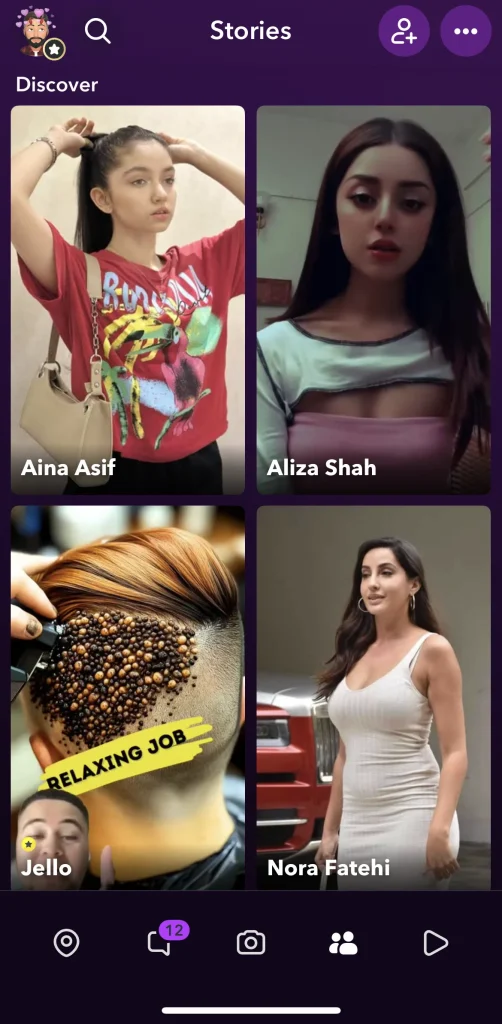
Snapchat Spotlight attributes:
- Vertical video format
- Algorithm-driven discovery
- Music and effects integration
- Creator analytics access
- Monetization eligibility
Snap Map and Location-Based Features
Snap Map shows friend locations and local activity. Snapchat Snap Map updates location status based on user settings.
Snapchat Snap Map prioritizes location privacy through visibility controls.
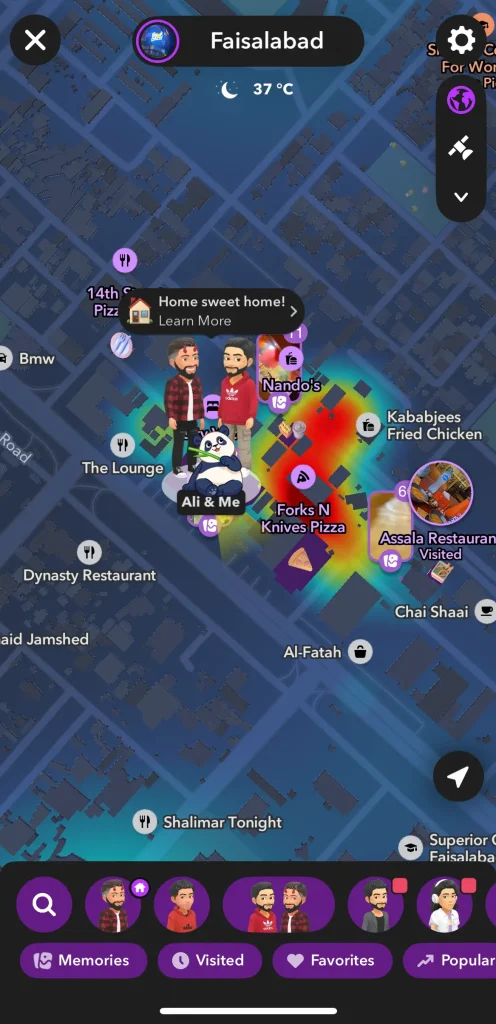
How Map of snapchat functions:
- Live or last-seen location sharing
- Ghost Mode for hidden presence
- Friend arrival notifications
- Local events and hotspots
- Travel and public stories
Lenses, Filters, and AR Experiences on Snapchat
Snapchat Lenses apply real-time augmented reality effects to faces and environments. Snapchat Lenses respond to facial movement and gestures.
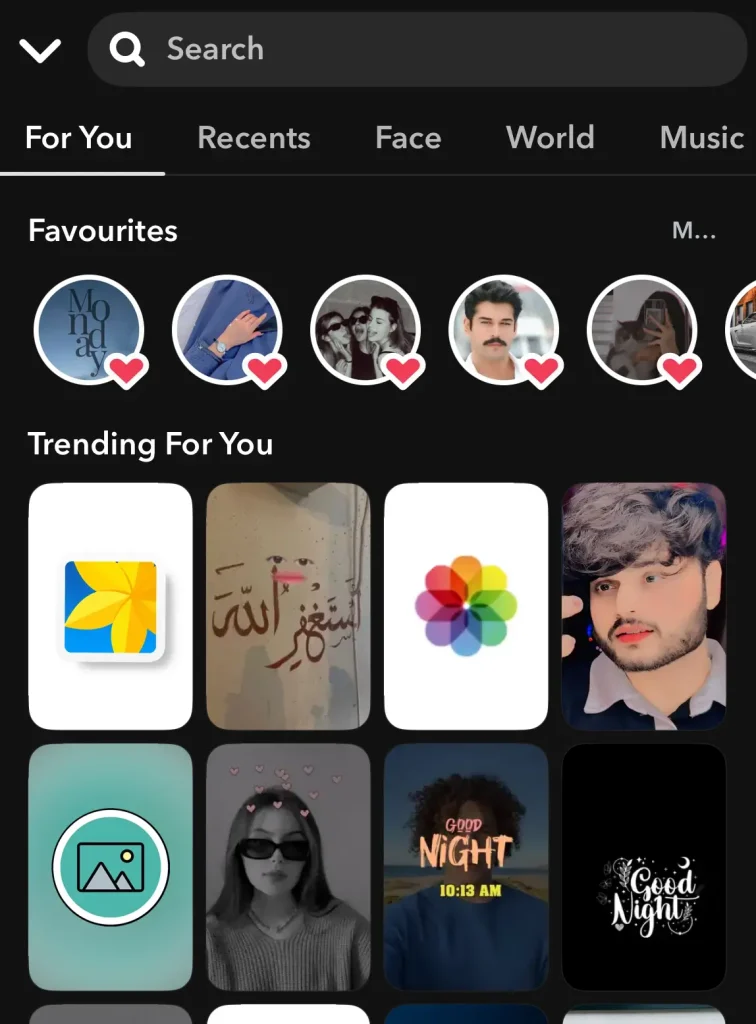
Snapchat Filters add overlays based on time, location, or activity.
Snapchat AR tools include:
- Face-tracking lenses
- AI-generated animations
- Sponsored brand lenses
- Interactive 3D objects
- Video transformation effects
Bitmoji, Snapstreaks, and AI-Powered Creative Tools
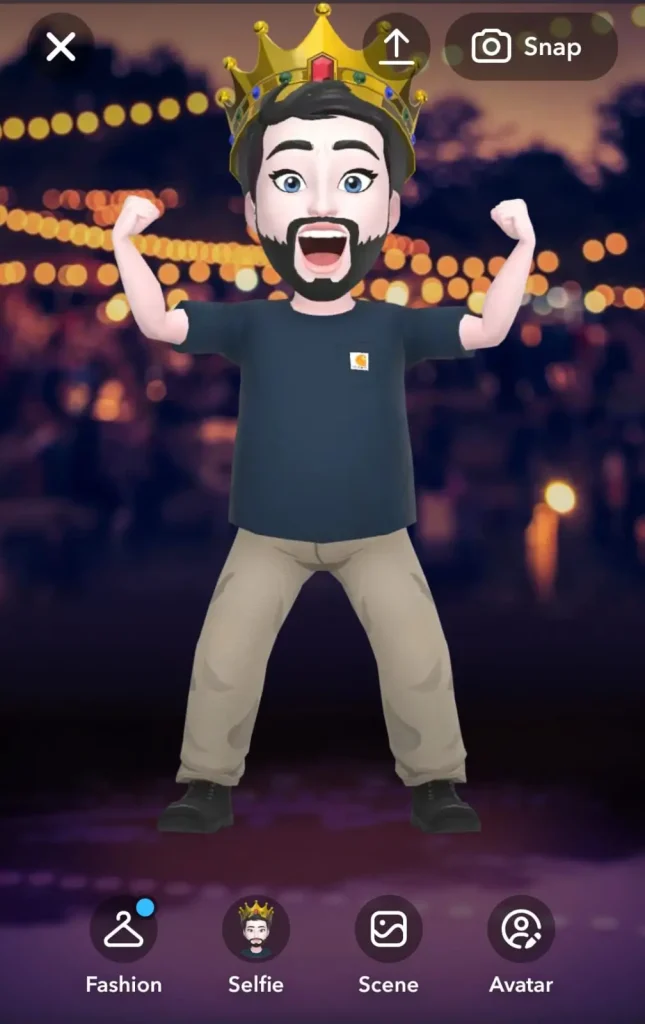
Snapchat Bitmoji represents users with a customizable avatar. Snapchat Bitmoji appears in chats, Snap Map, stickers, and stories.
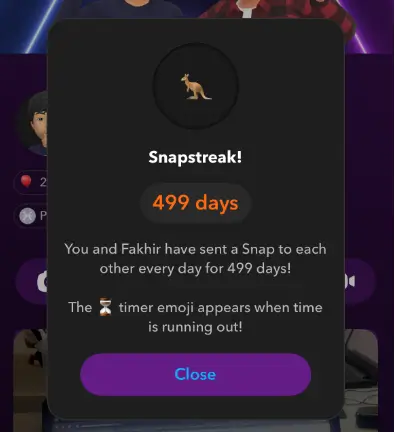
Snapstreaks track daily Snap exchanges between two users. Snapchat Snapstreaks increase when both users send at least one Snap every 24 hours.
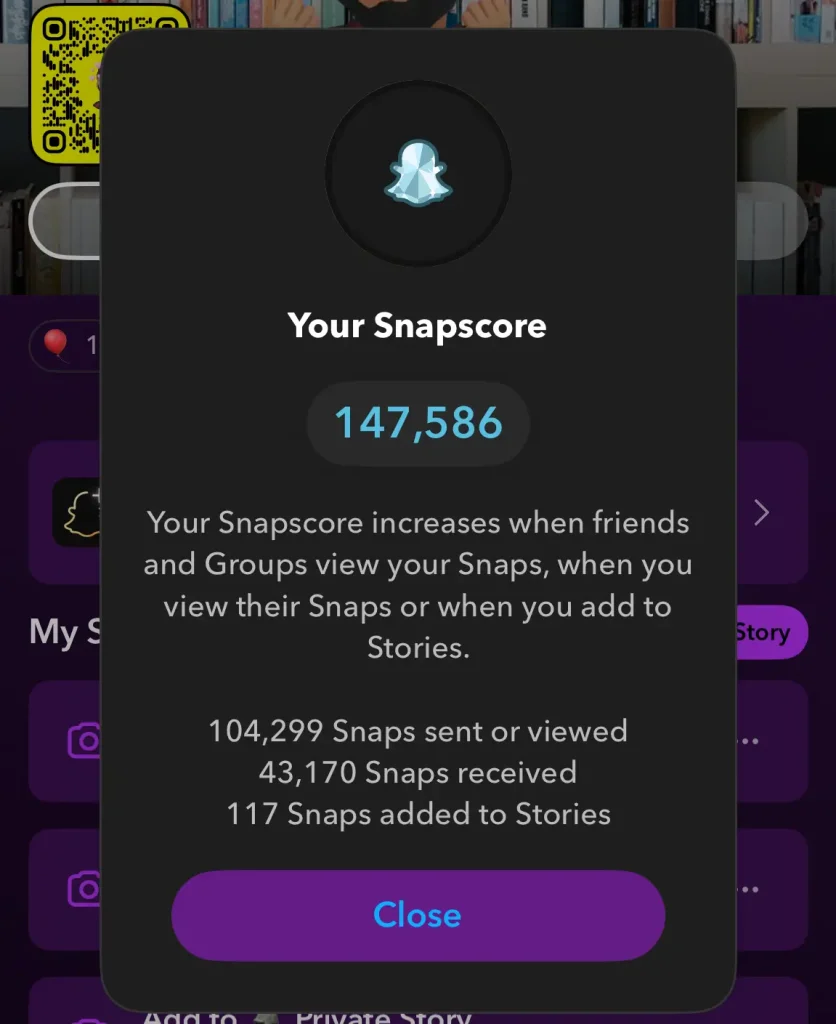
Snapscore measures overall Snapchat activity. Snapchat Snapscore increases through sending and receiving Snaps, not chats.
Snapchat Planets show friendship ranking for Snapchat Plus users. Snapchat Planets display closest friends as planets orbiting a profile.
Snapchat Yellow Heart 💛 indicate a top mutual best friend. Snapchat assigns the Yellow Heart when two users send the most Snaps to each other.
Snapchat Games and Minis for Social Interaction
Snapchat Games and Minis are interactive in-app experiences designed to play solo or with friends.
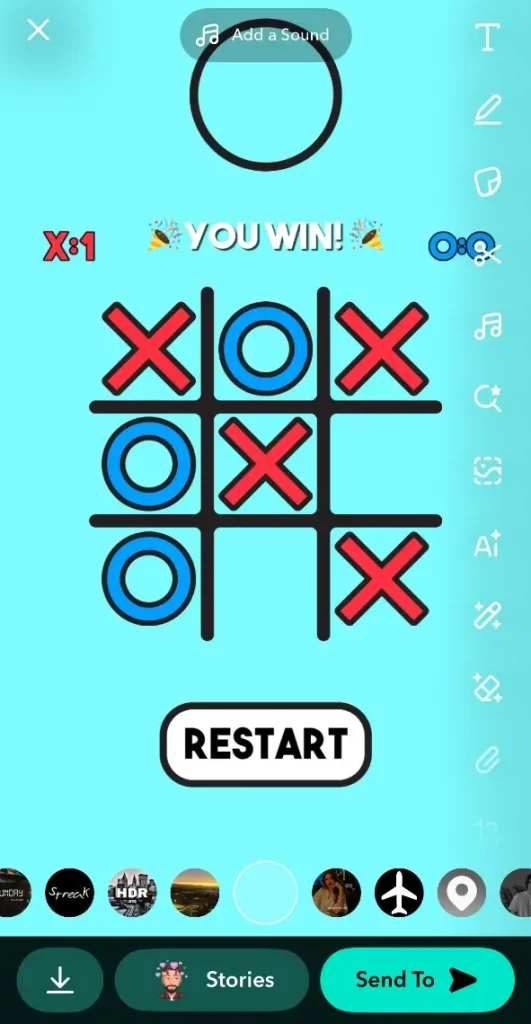
Snapchat Games properties and attributes:
- Integration: Playable directly within chats or group stories
- Multiplayer support: Connects friends for turn-based or real-time games
- Leaderboards: Tracks scores between friends
- Mini Apps: Small utility apps for polls, shared activities, or competitions
- Snap Sharing: Snap results and achievements can be sent to friends
- AR Elements: Some games use augmented reality for interactive gameplay
Snapchat Dark Mode Explained
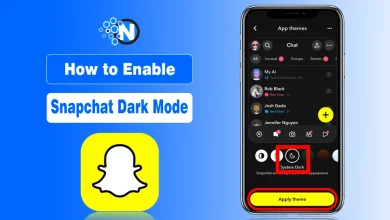
Snapchat Dark Mode is a feature that changes the app’s interface from light to dark, improving readability, reducing eye strain, and saving battery on OLED screens. Snapchat allows users to enable Dark Mode manually or sync it with system-wide settings.
Notes: Some Android devices may require system-wide dark theme enabled if App Appearance is not visible.
Snapchat AI and Automation Features
My AI on Snapchat is an AI-powered chatbot built into the chat screen. Snapchat My AI responds to questions, gives suggestions, and helps with everyday tasks inside the app.
Snapchat places My AI at the top of the chat list by default.
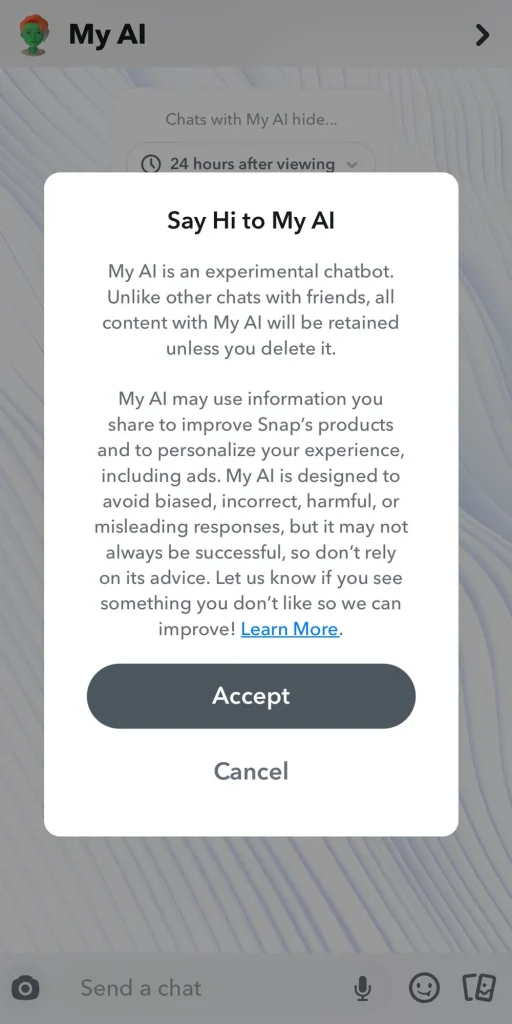
My AI core properties:
- Chat-based assistant interface
- Text and image understanding
- Personalized suggestions
- In-app availability only
- Optional for paid users to customize
Uses of Snapchat AI for Creativity and Assistance
Snapchat AI Algorithm tools support creative editing and user assistance. Snapchat applies AI across the camera, Bitmoji, lenses, and snap chat features. Snapchat AI improves speed and personalization during content creation.
Can Users Control or Remove Snapchat AI?
Yes, Snapchat AI controls allow users to manage visibility and interaction. Snapchat lets users clear chats, limit interactions, or hide My AI.
- Clear My AI chat history
- Mute or restrict conversations
- Unpin My AI from chat feed
- Adjust privacy preferences
- Remove My AI with Snapchat Plus
Snapchat Plus Features (Premium)
Snapchat Plus adds paid tools to the standard Snapchat app. This feature focuses on customization, visibility insights, and early feature access.
Snapchat keeps core messaging free while offering premium controls for advanced users. The premimum version of snapchat targets power users and creators who want more control and insights.
Snapchat Plus properties:
- Monthly or yearly subscription
- Optional upgrade
- No ads in selected areas
- Early access to new tools
- Expanded customization options
What is Snapchat Used for Mostly?
The purpose of Snapchat is to send private messaging, creative sharing, trend discovery, and brand engagement. Snapchat combines temporary content, AR effects, and interactive tools to enable personal communication, entertainment, and public reach.
Snapchat private communication allows users to send text, photo, and video messages that disappear after viewing.
Creative Expression and Entertainment
Snapchat creative tools enable users to express visually through photos, videos, AR lenses, filters, Bitmoji, and games. Snapchat integrates AI and AR to enhance content originality. Snapchat creativity encourages playful, expressive sharing and social interaction.
Brand Presence and Community Engagement
Snapchat brand tools enable businesses to reach audiences with interactive, visual campaigns. Snapchat advertising, AR lenses, geofilters, and Stories create measurable engagement. Snapchat brand presence improves audience reach, marketing creativity, and community interaction.
Getting Started With Snapchat
- Download the app: Available on iOS and Android devices.
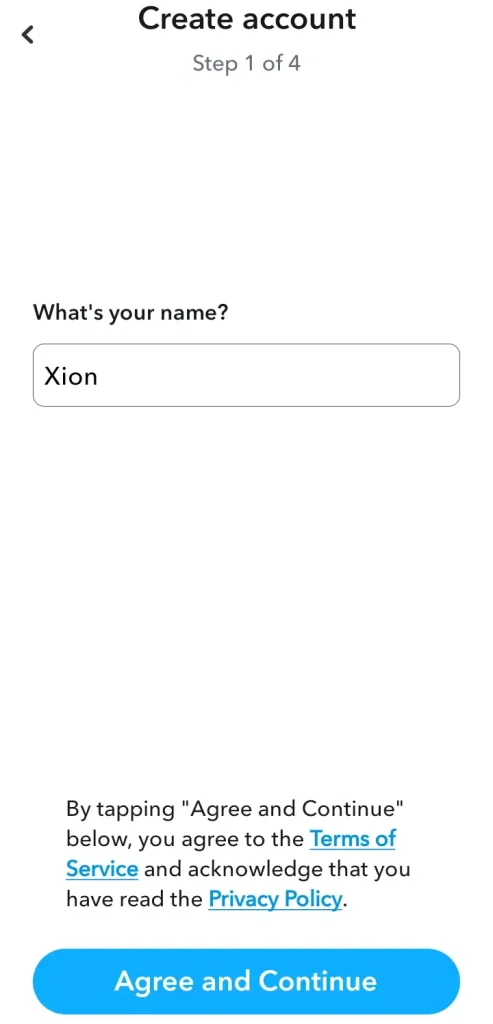
- Create an account: Sign up with an email address and select a unique username.
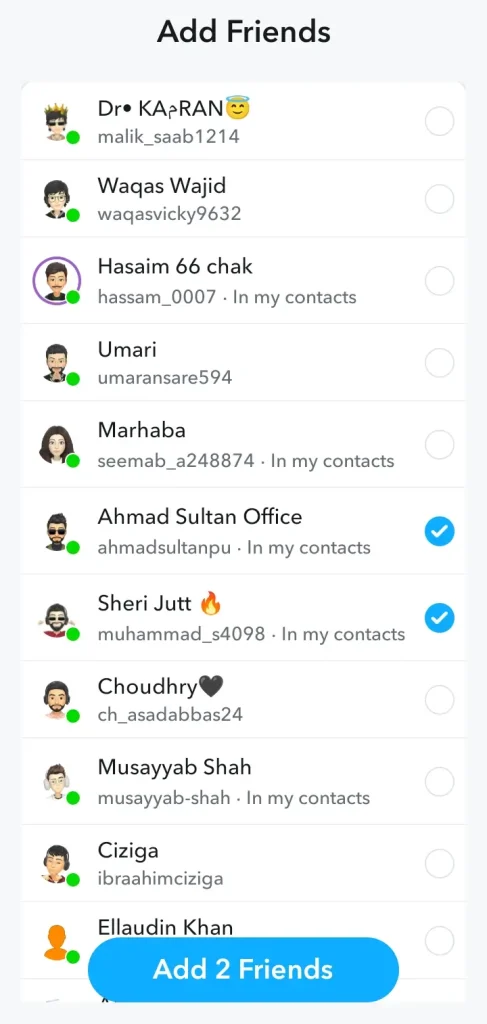
- Add friends: Connect through phone contacts, usernames, Snapcodes, or nearby users.
- Customize settings: Adjust privacy preferences and notification settings.
- Explore features: Familiarize yourself with the camera, chat, Stories, and Discover sections.
- Consider Snapchat+: For power users, this subscription offers additional features like custom app icons, story rewatch indicators, and more.
Final Thoughts on Snapchat
I’ve seen Snapchat grow from a simple “disappearing photo app” into a full platform by giving the edge of privacy that blends AR, AI, gaming, entertainment, and marketing. Many people undervalue its potential, but I believe it offers unique ways to connect, create, and grow.
If you want to experience playful, immersive, and real-time communication, I recommend giving Snapchat a try. If your business doesn’t have a Snapchat account yet, now is the perfect time to start.
Even if you’re new or trying to improve your Snapchat game, I’m confident the strategies above are practical and easy to use.
People Also Ask
Dysmorphia In Snapchat What Is It?
It’s when people develop insecurities about their looks due to Snapchat’s filters, often comparing themselves to digitally enhanced versions.
How Many Snaps Can I Send in a Day?
There’s no official limit, but sending thousands may trigger restrictions; most users send hundreds daily without issues.
What is Snapchat Quick Add?
Quick Add suggests friends you may know based on mutual contacts, synced numbers, or shared groups.
What is the Best Time to Snap?
The best times to snap are late mornings (10-12) and evenings (7-10 PM) when activity is highest.