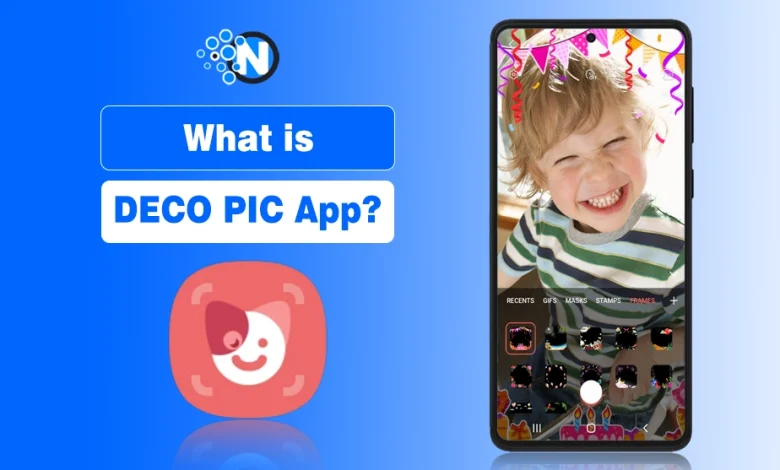
The DECO PIC app is an app on Samsung that helps users to create different creative photos and silly posts for sharing on various social media platforms.
Unlike many third party editing apps, DECO PIC works directly with the phone’s camera and lets users preview effects instantly before capturing photos or videos.
Users can create funny videos and pictures using plenty of frames, stickers, and masks. This is just a camera mode that is available in updated Galaxy mobiles.
In this guide, I’ll walk you through what DECO PIC really is, how it works, what makes it fun, and why you shouldn’t be so quick to hit “uninstall.”
What Is DECO PIC on Samsung?
DECO PIC is a fun camera feature available on many Samsung Galaxy phones that allows users to apply animated effects while taking photos or videos. Instead of editing media later, the effects appear live on the screen while recording. The feature is integrated with the Samsung camera app and can also download additional content from the Galaxy Store.
Pros and Cons of DECO PIC App
| Pros | Cons |
|---|---|
| Pre installed on most Samsung Galaxy phones | Limited advanced editing tools |
| Easy-to-use interface for beginners | Some users never use the effects |
| Real time stickers, masks, and filters | Cannot be completely removed on some devices |
| Fun, creative, and great for social media sharing | |
| Free and secure as it’s an official Samsung application |
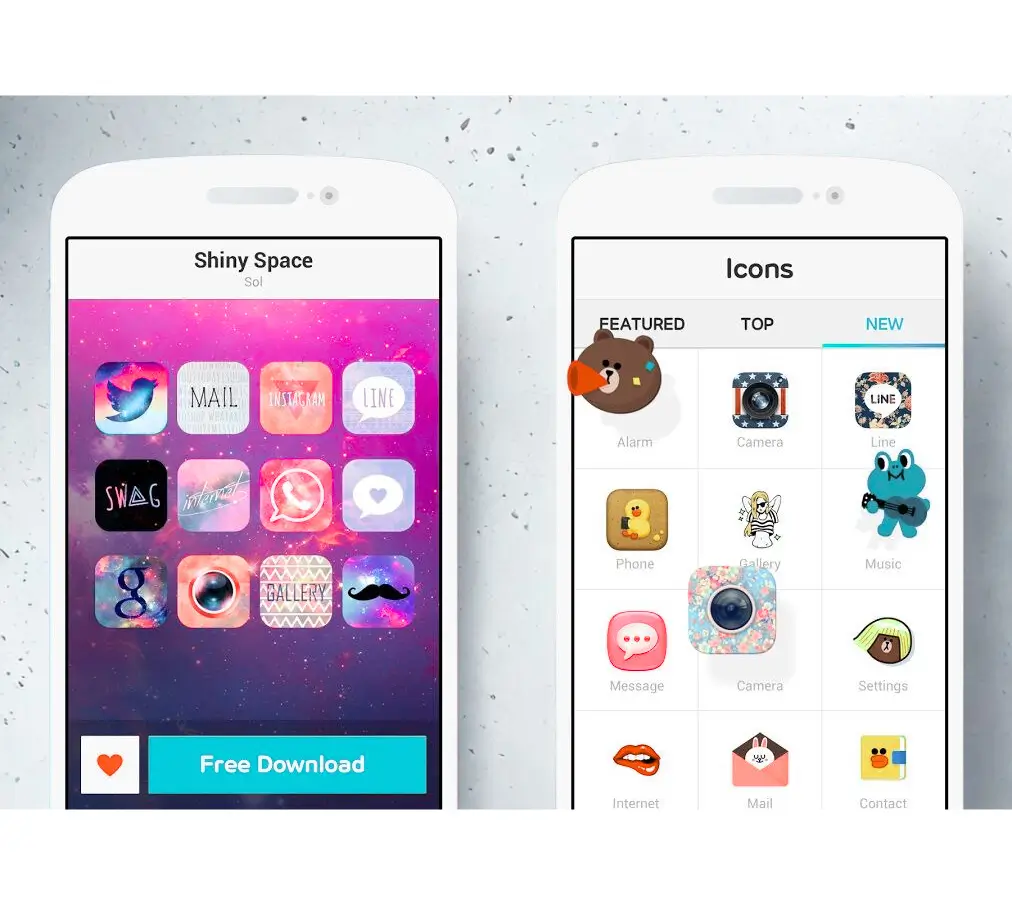
How to Use DECO Pic?
- Open DECO PIC from your Galaxy device’s app drawer.
- Alternatively, open the Samsung Camera app, tap “More”, and select DECO PIC.
- You’ll see your front or rear camera view, along with tools at the bottom: Stickers, Masks, Frames, GIFs, and Stamps.
- Tap any category to preview effects in real time.
- Adjust your pose or expression, some filters react to facial movements!
- Tap the shutter button to take a photo or record a video.
- Your creation is automatically saved to your Gallery.
- Use “View More” to browse and download additional content packs from the Galaxy Store.
👉 Tip: DECO PIC effects are live, meaning what you see on screen is exactly how your final photo or video will look.
Features of DECO Pic Samsung App
DECO PIC includes several creative tools that allow users to customize photos and videos instantly. These built in features make it easy to add fun visual elements without installing extra apps.
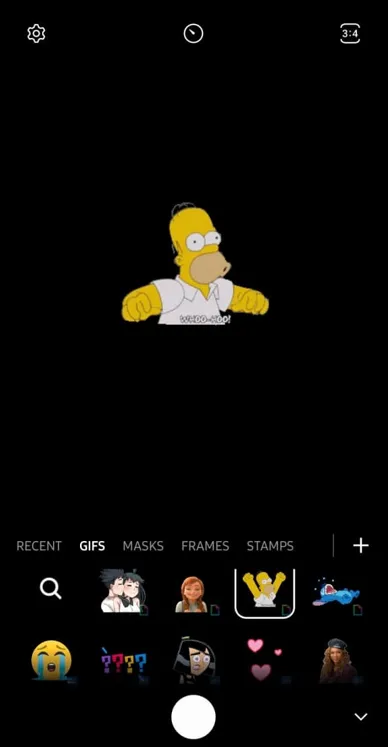
- 🖼️ Frames: DECO has many beautiful frames to decorate pictures, and when the users interact with these get very pleasant movements.
- 🌀 GIFs: Gify GIFs are those enjoyable stickers that the user applies to preview an image. When searching and using different matches and terms, GIF images help retrieve images.
- 🎭 Masks: There are many unique and impressive masks that the user can apply on their face. These masks show interesting effects according to facial expressions. It creates a look of viewing the user’s face in an impressive way.
- 🖋️ Stamps: Stamps help plenty of letters to decorate pictures. These Stamps also has a very crucial role in improving the level of a picture.
- 🛍️ View More: This is another impressive feature of Deco PIC to offers the chance to users to get more stickers from the Galaxy store.
Permissions Required by Deco App
Since DECO PIC works directly with the camera, it requires certain permissions to function correctly on Samsung Galaxy devices. These permissions allow the app to capture photos, record audio for videos, and store media files in the device gallery.
But interestingly, It allows you to use the basic features without having permission.
Required Permissions:
- Camera: For giving graphics to pictures or videos
- Storage Space: This helps to save recorded pictures
- Audio: For recording sounds when recording videos
Optional Permissions:
- There is nothing required to get optional permission.
You can still use basic features even without granting all permissions, but for full functionality, it’s best to allow access when prompted.
Device Compatibility – Does DECO PIC Work on All Galaxy Devices?
DECO PIC is compatible with most Samsung Galaxy devices running Android 9 (Pie) to Android 12 and newer. You’ll typically find it pre-installed in recent models like:
- Galaxy S21/S22/S23/S24 series
- Galaxy A14/A52/A72 and later
- Galaxy Z Fold and Z Flip series
If your phone is older or hasn’t received the latest software update, you cannot see DECO PIC by default but you can try downloading it from the Galaxy Store if supported.
Is It Required to Download DECO PIC?
If you are using a new samsung device, then there is no need to seprtely download the DECO App. However, if it’s not visible on your device or you’ve accidentally removed it, you can:
- Search for it in the Galaxy Store
- Reinstall or enable it from the app settings
Should You Keep or Delete DECO PIC?
If you enjoy lighthearted camera effects, keep DECO PIC as it’s quick, safe, and does not consume much space.
However, if you prefer professional editing tools or rarely use filters, you can disable it instead of deleting it (since full removal isn’t possible on most Galaxy phones).
To disable:
- Go to Settings > Apps > DECO PIC
- Tap Disable to hide it from your app drawer
Conclusion
DECO PIC is a built in camera feature on Samsung Galaxy phones that allows users to add fun effects such as stickers, masks, GIFs, and frames while capturing photos or videos. It is designed for casual users who enjoy creative social media content rather than professional photo editing.
If you enjoy using filters and animated effects, keeping DECO PIC can be useful. However, if you never use camera effects, you can simply disable the feature from the app settings without affecting your phone’s performance.
People Also Ask
What is DECO PIC used for?
It’s used to add live stickers, masks, frames, and GIFs to photos and videos using your Samsung phone’s camera.
How do I get rid of DECO PIC app?
You can’t fully uninstall it, but you can disable or hide it from your app drawer in the settings.
What is DECO PIC app on Android?
It’s a Samsung pre-installed camera feature that enhances photos/videos with fun, real-time effects.
Do I need DECO PIC app?
Not necessarily, it’s optional. If you don’t use fun photo effects, you can safely disable it.
Is DECO PIC a free app?
Yes, DECO PIC is free to use.
Why is DECO PIC on my Samsung phone?
DECO PIC is included by default on many Samsung Galaxy phones as a built-in camera feature. It allows users to apply live filters, stickers, and animated effects while taking photos or recording videos.