Neon TikTok Logo: What It Is, How to Create It, and Where to Download or Buy
A neon TikTok logo turns the familiar TikTok symbol into a glowing, vibrant design that stands out in thumbnails, feeds, and social media graphics. This guide explains how to create one, the best tools, where to download or buy it, and legal tips for safe use.

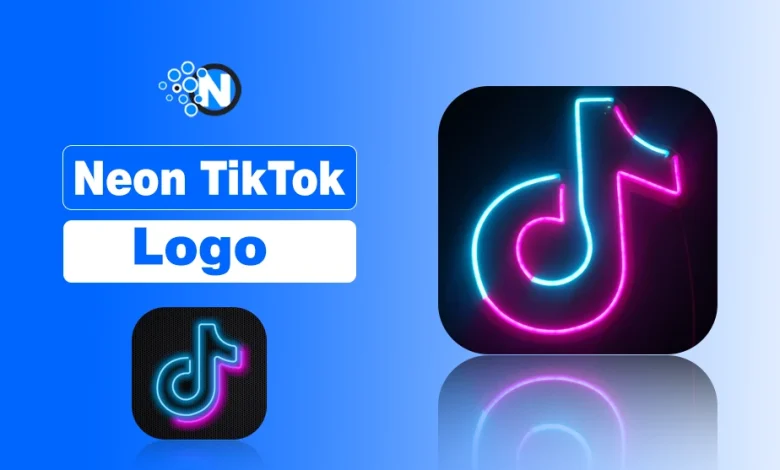
A neon TikTok logo lets me turn the familiar TikTok symbol into a glowing, vibrant design that immediately catches the eye.
I use bright colors, glowing outlines, and high-contrast effects to make it stand out in feeds, thumbnails, profile pictures, and other social media graphics, giving my content a modern, energetic, and visually striking look.
So, here, I will show you what a neon TikTok logo is, where it’s used, how to create one step by step, where to download or buy it, and the legal tips to use it safely.
What is Neon TikTok Logo?
A neon TikTok logo refers to a stylized version of the official logo used on TikTok that appears with glowing, electric lighting effects. The design concept comes from neon signage, where colored gas tubes produce glowing light.
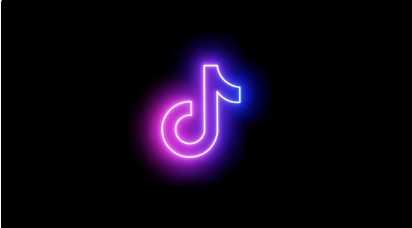
In digital graphics, designers recreate this effect using glow layers, gradients, and bright color contrasts. When applied to the TikTok symbol, the result is a logo that appears illuminated against a darker background.
Where Neon TikTok Logos Are Used?
The Neon versions of the TikTok logo used in visual branding and social media graphics. Creators often apply this style in places such as:
- TikTok profile images
- Video thumbnails or cover graphics
- Short-form video edits
- Social media banners and overlays
Because the neon style emphasizes glow and color contrast, it works particularly well in digital environments where darker backgrounds and vibrant visuals attract attention quickly.
How to Create a Neon TikTok Logo?
Approach a neon logo by focusing on three essentials: color selection, clean logo structure, and realistic glow effects.
A neon version of the logo used on TikTok should preserve the recognizable shape while adding lighting effects that imitate neon signage. The steps below explain the process clearly.
1: Choose a Neon Color Palette
The first step is selecting colors that mimic real neon lighting. Neon palettes rely on high-intensity hues that appear luminous on screen.
Common neon color choices include:
- Neon pink
- Electric blue
- Purple glow
- Cyan accents
I usually pair these colors with dark backgrounds such as black, deep purple, or dark navy. Dark surfaces absorb surrounding light and make the neon glow appear brighter and more realistic. This contrast is what creates the illuminated sign effect.
2: Create the Logo Outline
Next, I build a clean outline of the TikTok note symbol before applying lighting effects.
Key design principles at this stage include:
- Vector outline – keeps the logo sharp and editable
- Transparent background – allows the glow to blend naturally with different backgrounds
- Scalable design – ensures the logo works in small icons or larger graphics
Vector-based tools such as Adobe Illustrator or Figma help maintain a precise outline that can be resized without losing quality.
3: Apply Glow and Neon Effects
Once the outline is ready, I simulate neon lighting using layered effects. These effects recreate the look of glowing neon tubes.
Typical techniques include:
- Outer glow – produces the soft light halo around the logo
- Blur effects – soften the glow and spread light outward
- Neon gradients – blend colors like pink and cyan to create luminous transitions
- Light reflections – add subtle highlights that simulate glass tubing
4: Export the Logo File
After finalizing the design, I export the logo in a format that matches its intended use. Different formats serve different purposes in digital design.
| Logo File Format | Purpose Of File Format |
|---|---|
| PNG | Transparent background for social media graphics |
| SVG | Scalable vector format for responsive designs |
| AI | Editable source file used in professional design software |
| JPG | Lightweight format for quick web previews |
Exporting multiple formats ensures the neon TikTok logo remains usable across profile images, thumbnails, and graphic assets.
What Are Best Tools to Design a Neon TikTok Logo?
I usually choose the design tool based on the level of customization and editing control needed. Several platforms provide features that help create neon glow effects and scalable logo designs for visuals used on TikTok.
- Canva – Best for beginners who want ready-made templates and quick glow effects without advanced design skills.
- Figma – Useful for UI-focused creators who design social media graphics and want vector-based editing with collaborative features.
- Adobe Illustrator – Ideal for professional vector logo design where precise shapes, scalable graphics, and detailed customization are required.
- Adobe Photoshop – Best suited for adding advanced glow effects, lighting layers, and realistic neon reflections.
Top Sources to Downlaod Neon TikTok Logo?
If I need a ready-made neon version of the logo used on TikTok, I usually look for downloadable templates or transparent PNG files from design resource platforms.
These sites host community uploads, editable graphics, and downloadable assets that can be used in thumbnails, profile visuals, or video edits.
Some commonly used sources include:
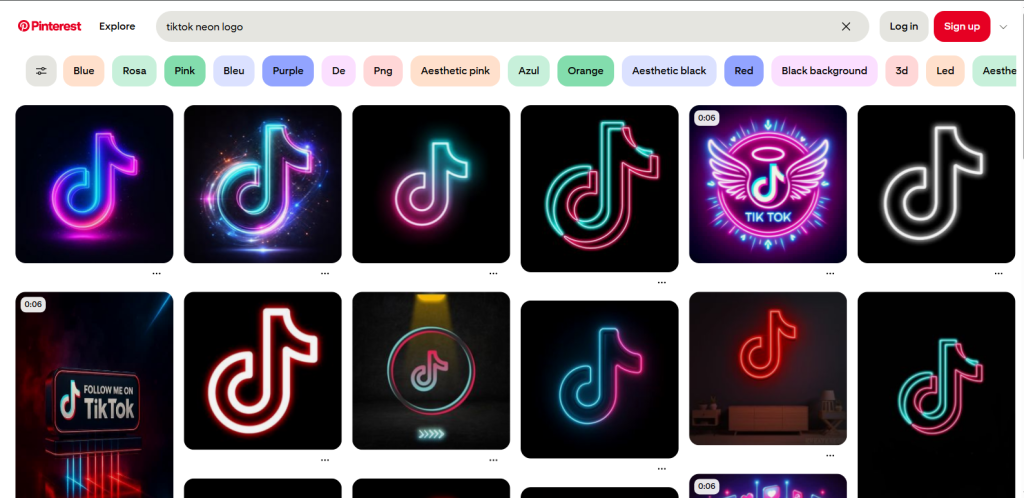
- Pinterest – I use it mainly for design inspiration and discovering shared neon TikTok logo images uploaded by creators. Many posts link to downloadable resources or design ideas.
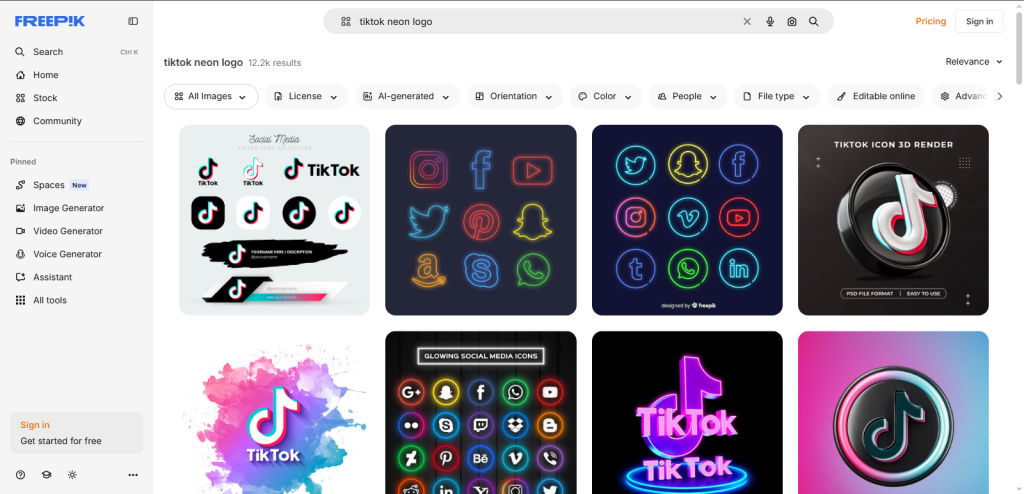
- Freepik – This platform provides downloadable graphic assets such as neon logo templates, vectors, and editable design files that can be customized in design software.
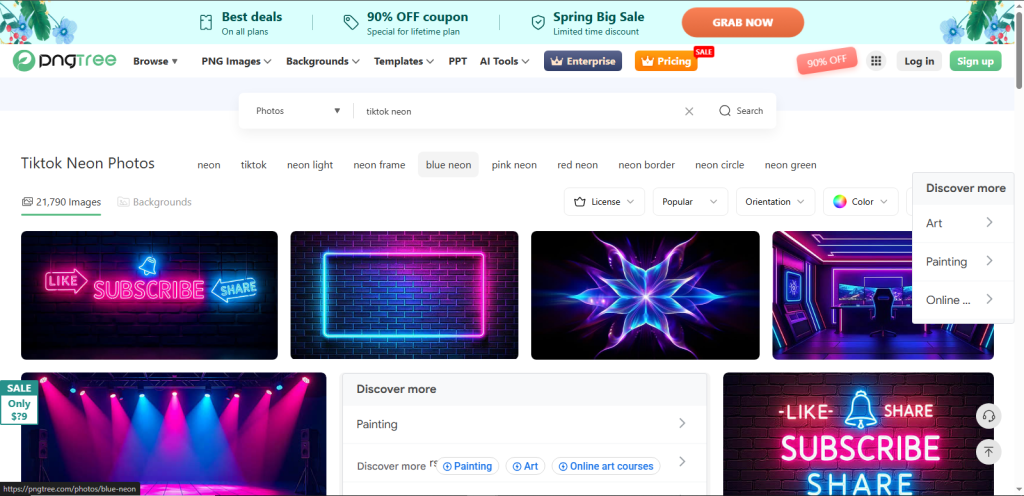
- PNGTree – I typically visit this site when I need transparent PNG versions of neon logos that can be placed directly onto dark backgrounds or social media graphics.
Before downloading any logo asset, I check the usage license to ensure the file can be used in my project without violating copyright or platform guidelines.
Where to Buy High-Quality Neon TikTok Logos?
If I need a high-quality or customized neon logo, I usually rely on professional design marketplaces instead of free downloads. These platforms offer premium assets, editable templates, or custom logo services that can be adapted for visuals used on TikTok.
Common platforms include:
- Creative Market – Provides premium logo templates, vector files, and editable neon-style graphics created by professional designers.
- Envato Elements – Offers subscription-based access to large libraries of neon logo templates, design kits, and customizable assets.
- Shutterstock – Known for high-resolution graphic assets, including neon-style logo illustrations and vector files.
- Fiverr – Allows me to hire freelance designers who can create a custom neon logo tailored to specific branding needs.
Using professional resources ensures the final design is high resolution, customizable, and suitable for branding graphics or tiktok live video thumbnails.
Is It Legal to Use the TikTok Logo?
The official TikTok logo is a trademarked asset, so it cannot be used freely for commercial purposes, and direct modifications or copies may violate trademark rules. Some limited use is allowed for editorial or informational content, but the safest approach is to create an original neon-style design inspired by TikTok’s aesthetics instead of replicating the logo exactly.
Final Words on Tiktok Neon Logo
Neon TikTok logos are a creative way to give your visuals a glowing, modern look while keeping your content recognizable.
Whether you design your own, download ready-made templates, or hire a professional designer, focusing on vibrant colors, glow effects, and proper contrast ensures your logo stands out.
Always remember to respect TikTok’s trademark and consider creating an inspired design for a safe and unique result.