Instagram and Facebook are two of the best social media platforms, both operated by Meta, which makes it easy to link accounts and manage activity across platforms.
While this integration can be useful, not everyone prefers their accounts to be connected. Some users want better privacy, a secure browsing experience, fewer cross-platform actions, or more control over how their data is shared.
In this guide, I’ll explain how to unlink Facebook from Instagram using simple, step-by-step instructions so you can separate the two accounts without confusion.
Why Unlink Facebook from Instagram?
Before moving ahead to understand the reasons for unattaching Facebook accounts from Instagram, it is important to learn why users in the past have combined both accounts. Here they are:
- Cross-posting content saves time and effort.
- When you share an Instagram post, it automatically gets posted on Facebook, which saves enough time and effort.
- Helps businesses maintain reliable engagement across social media platforms for businesses.
Despite these benefits, some users choose to disconnect Facebook from Instagram due to:
- Privacy issues
- Poor versatility
- Increased security risks
Thus, some businesses and individuals are finding it best to remove their Facebook accounts from Instagram.
How to Unlink Facebook from Instagram?
Follow these simple steps to unlink your Instagram account from Facebook on Android and iPhone:
- Open the app and tap your profile picture at the bottom right.

- Now, tap the three horizontal lines present in the top right corner.

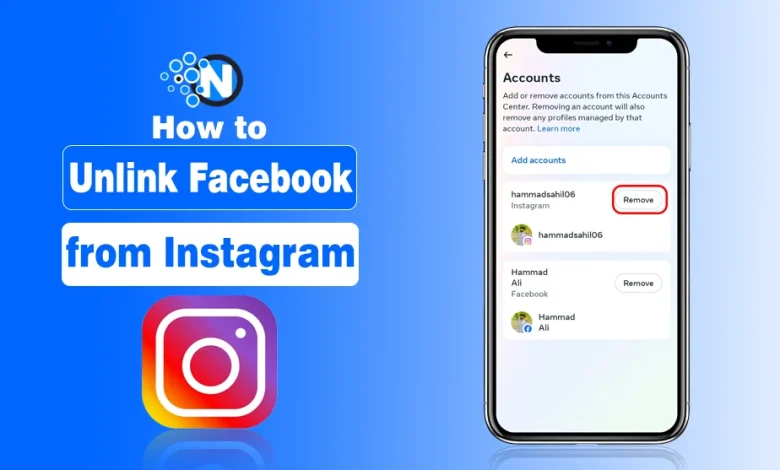
- Go to the Accounts Centre from the newly opened window.
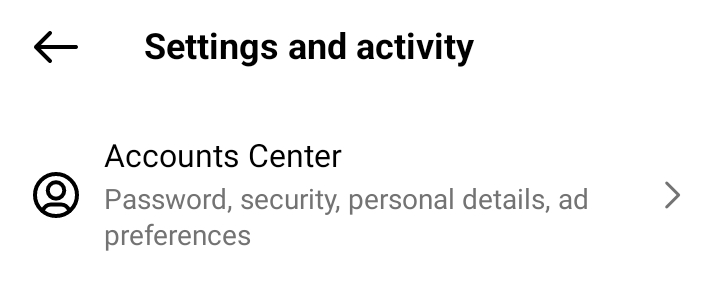
- Scroll until you see the Accounts option. Tap on it.
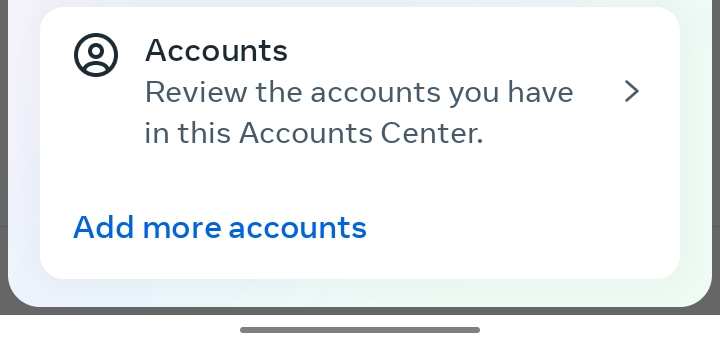
- Choose the Facebook account you want to unsync and tap the remove button.

- If you are using your Facebook password for your Insta account, you have to create a new one.
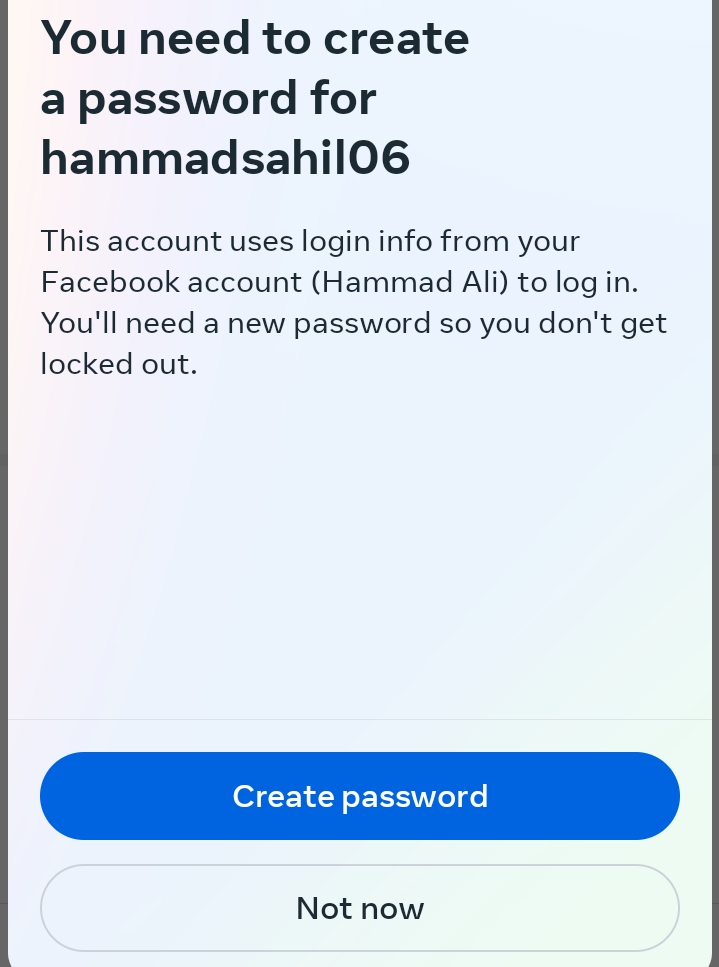
- Afterwards, simply click the remove button to detach both accounts.
Let’s Wrap It Up
That’s all about how to unlink fb from ig. I have mentioned all the essential steps you have to separate your accounts and take control of your privacy.
In this way, you can improve the security of your account and avoid other associated challenges. This also gives your business or brand strategy more flexibility to manage content and reach your audience effectively.
FAQs
How do you remove your Facebook from Instagram?
Go to the Accounts Centre on your Instagram app and click on the Accounts section. Select the Facebook account and tap to remove it.
Can you see Linked accounts on Instagram?
Yes. You can visit the Accounts section on your Instagram account Center to find the linked accounts.
How do I unlink my Instagram account from WhatsApp?
Open the edit section of your profile on WhatsApp Business and find the Instagram section. Remove the profile username and save the setting to unlink your Instagram account from WhatsApp.
Can Facebook see my WhatsApp?
No. WhatsApp messages are highly encrypted according to official details. Thus, Facebook or any other platform or app cannot see or read your WhatsApp messages.s