Top 10 Social Media Marketing Tools Every Business Should Use in 2026
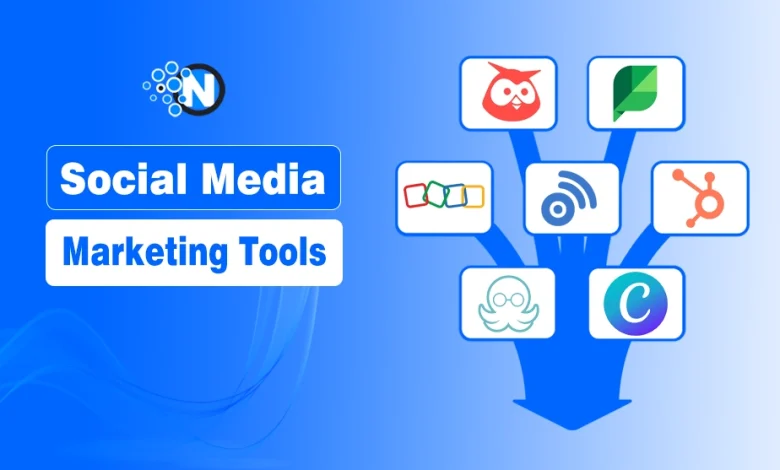
For social media marketing tools, our top picks include Buffer, Hootsuite, and Sprout Social for all-in-one management; Canva for visual content creation; Loomly for Pinterest; and BuzzSumo/Mention for listening.

Have you ever opened your social media apps, stared at the screen, and wondered, “What should I post today?” Its little confusing. It’s really a struggle for businesses to post randomly, forget schedules, miss important messages, or hope something goes viral.
Social media marketing tools can help businesses to grow and gain more for better productivity and position in search. The number of users is continuously increasing, like Pinterest, Meta, X, etc. Understanding how you will take advantage of social media platforms is necessary.
In this guide, I am going to share the top social media marketing tools for businesses to use for scheduling, analytics, content creation, audience engagement and more.
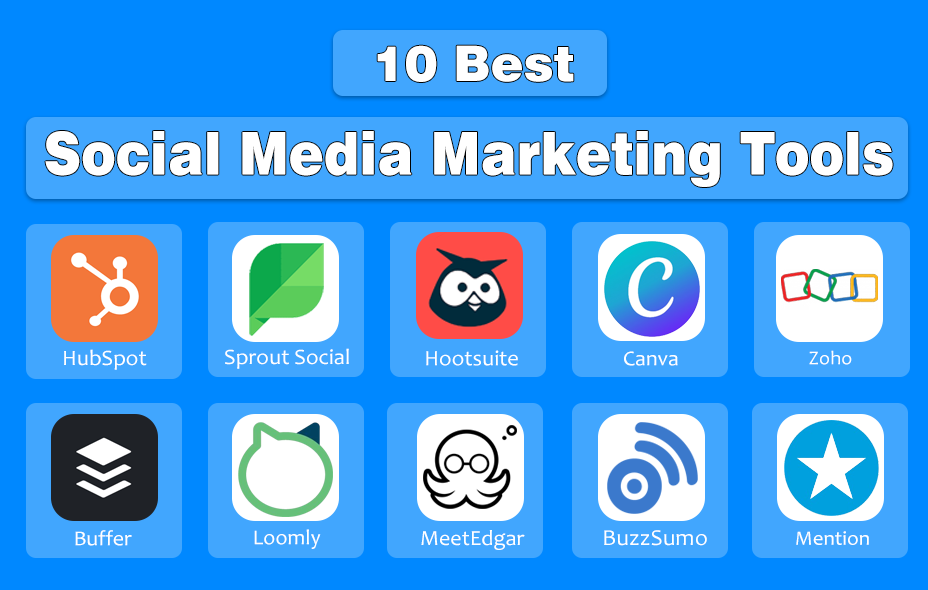
10 Best Social Media Marketing Tools For Business
Here are some of the best social media marketing tools that you can use for various purposes like scheduling, analytics, automation, engagement, content calendar, monitoring and team collaboration.
| Tool Name | Starting Price | Key Features | Best For | Rating ⭐ |
|---|---|---|---|---|
| HubSpot | Free / Paid plans from $20/month | Social scheduling, CRM, analytics, automation | Businesses needing social + CRM | ⭐⭐⭐⭐☆ |
| Sprout Social | $249/month | Advanced analytics, social inbox, reporting | Medium to large businesses | ⭐⭐⭐⭐⭐ |
| Hootsuite | $99/month | Post scheduling, team management, analytics | Managing multiple social accounts | ⭐⭐⭐⭐☆ |
| Canva | Free / Pro $14.99/month | Social media designs, templates, branding | Creating posts & visuals easily | ⭐⭐⭐⭐⭐ |
| Zoho Social | ~$10/month | Scheduling, monitoring, team collaboration | Small businesses & startups | ⭐⭐⭐⭐☆ |
| Buffer | Free / Paid from $6/month | Simple scheduling, analytics, engagement | Beginners & solo marketers | ⭐⭐⭐⭐☆ |
| Loomly | $26/month | Content calendar, post ideas, approval workflow | Content planning teams | ⭐⭐⭐⭐☆ |
| MeetEdgar | $29.99/month | Content recycling, automation, scheduling | Evergreen content sharing | ⭐⭐⭐⭐☆ |
| BuzzSumo | $199/month | Content research, trending topics, influencers | Content & SEO marketers | ⭐⭐⭐⭐⭐ |
| Mention | $49/month | Brand monitoring, alerts, social listening | Brand & reputation tracking | ⭐⭐⭐⭐☆ |
1. HubSpot
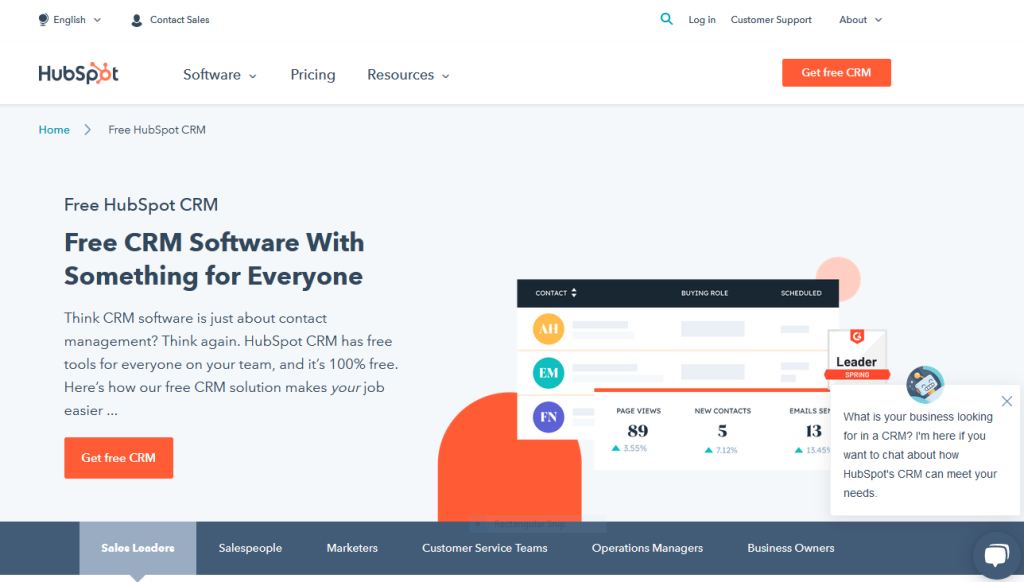
HubSpot is an all-in-one marketing tool that helps businesses manage their social media with ease. It lets you schedule and publish posts to multiple platforms, track how well your content is performing, and see important insights in clear dashboards.
It is a CRM platform that provides the best-in-class customer experience. You can grow by using the services of this platform, such as marketing, scaling, customer service, and sales.
| Pros | Cons |
|---|---|
| Simple and easy to use | Contracts are not flexible |
| Best for all publishing | Pay extra for additional support |
| Insights and security | Templates cannot be modified easily |
| Responsive drag-and-drop templates | |
| Fit for all organizations |
Features of HubSpot
There are multiple exceptional features that HubSpot holds
- Automated CRM database
- List Segmentation
- Automated Workflow
- Landing Pages, Blogs, and Web Pages
- Email Analytics
- Reporting Dashboards
- A/B Testing
- Paid Ad Tracking
- Social Media Integration and Management
Pricing of HubSpot:
There are two types of billing systems:
- Starter Plan: $50 per month
- Professional Plan: $800 per month
- Enterprise Plan: $3200 per month
2. Sprout Social
Sprout Social is an AI-powered social media management platform that helps businesses handle publishing, engagement, analytics, and listening across major networks.
It also allows full post-scheduling abilities, a thoroughly analytical platform, and social media data collection functionality. The social media marketing tool highlights multi-level access, through easier management for clients to arrange and designate tasks.
| Pros | Cons |
|---|---|
| Easy-to-navigate interface | Expensive price tag |
| User-friendly publishing calendar | Lack of support for enterprise |
| Robust reporting | |
| Competitive analytics features | |
| Best Customer Support |
Key Features of Sprout Social
- Multiple outstanding features Sprout Social holds
- Integration
- Publishing
- Activity Dashboard
- Analytics
- Engagement
- Team Collaboration
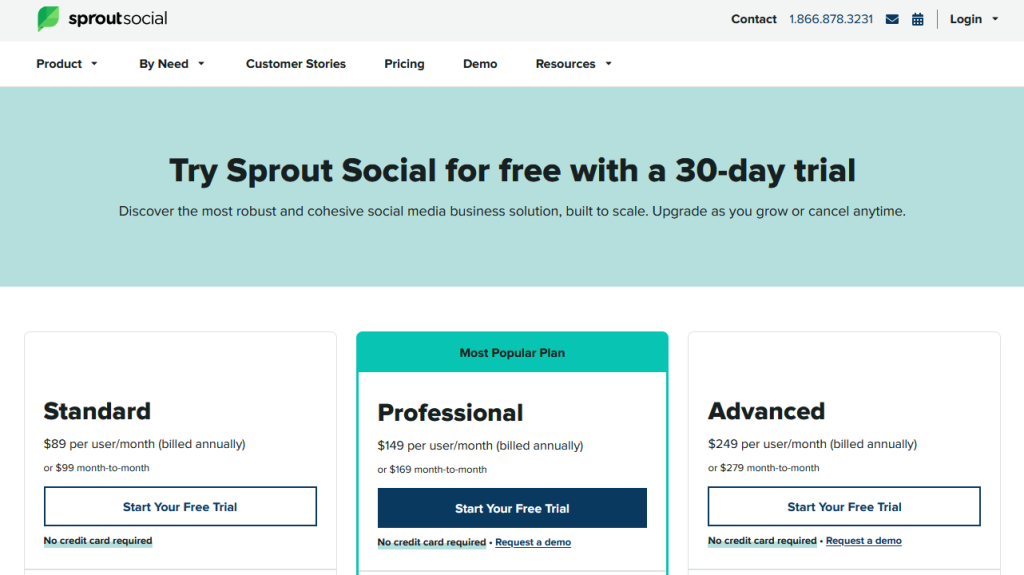
Pricing of Sprout Social
- Free: 30-day free trial
- Standard plan: $99 per month
- Professional plan: $149 per month
- Advanced plan: $249 per month
3. Hootsuite
Hootsuite is one of the most popular social media marketing tools used by businesses of all sizes. It allows you to schedule posts across multiple platforms like Facebook, Instagram, Twitter, and LinkedIn, all from one dashboard.
You will be allowed to collaborate with team members and analyze digital trends and collaboration in real-time as the tool allows it. You can assign tasks and posts among different channels to grow your social media audience with this specific tool.
| Pros | Cons |
|---|---|
| Lots of social media supported | Limited free plan |
| Multi-platform management | Lack of customer support |
| Scheduling and automation | |
| Analytics and reporting | |
| Professional plans at affordable price |
Key features of Hootsuite
- Scheduling
- Content curation
- Promote
- Analytics
- Monitoring
- Team Management
- Security
- Apps and Integration
Pricing for Hootsuite
There are four paid options for Hootsuite:
- Free: 30-day free trial
- Professional: $19 per month
- Team plan: $99 per month
- Business plan: $599 per month
- Enterprise: Varies according to your business
4. Canva
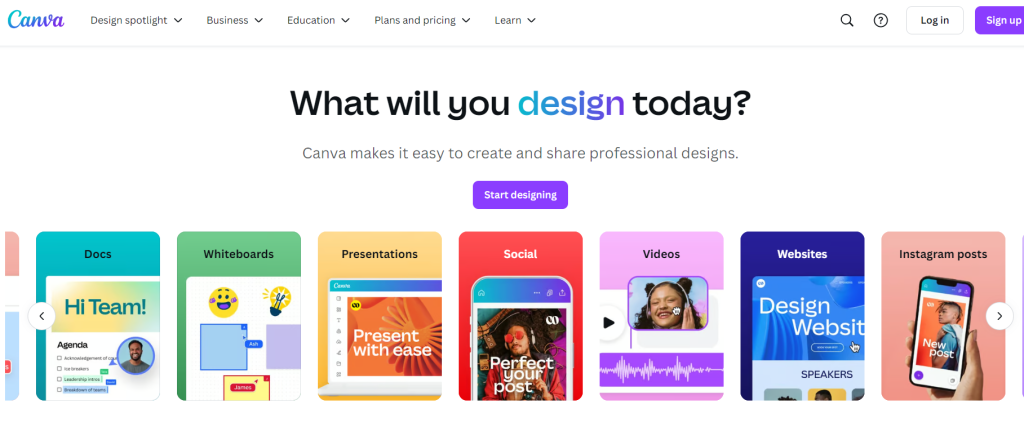
Canva is an incredible online graphic design tool that offers a user-friendly interface. It is a design tool with great features and elements that even beginners can utilize.
It allows users to create attractive designs and images for their campaigns. The interface is user-friendly and offers a drag-and-drop service. It comes with ready-made and creative designs that you can use it to build a captivating social media brand.
| Pros | Cons |
|---|---|
| User-Friendly Interface | Internet dependence |
| Direct sharing to anywhere | |
| Collaboration features | |
| Multiple download options | |
| Integration with other tools |
Features of Canva
The main features of Canva are:
- Photo Enhancer
- Photo Blur and free icons
- Photo Frames
- Web wireframe
- Add text to photos
- Stickers and Badges
- Speech bubble maker
- Image Transparency Tool
- Photo vignette and Design grids
- Add texture and Image Cropper
- Drag-and-drop interface
- Updated 60,000+ free templates
Pricing of Canva
It offers a free version, which provides a free trial. Canva offers two types of planning.
Monthly Pricing:
- Pro-plan: $12.95 per month
Yearly Pricing:
- Pro plan: $9.97 per user/month
- Enterprise plan: $30 per user/month
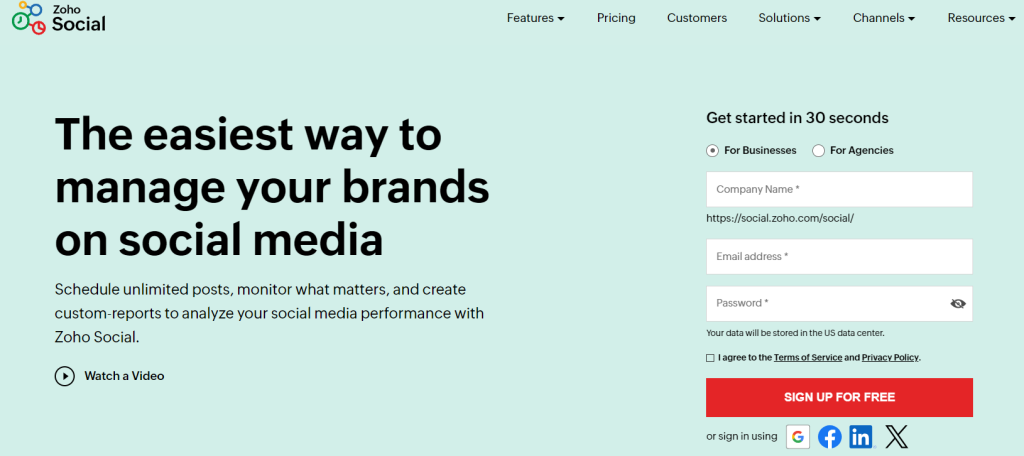
5. Zoho
Zoho is one of the best social media marketing tools in multiple ways. It helps customers to run the social aspects of their business in one place. In the meantime, it manages the customer’s email, accounting, projects, and webinars.
It automates business processes, accelerates sales, and measures performance. On the other hand, the business intelligence features and artificial intelligence use can warranty the remote workflow to achieve more success.
| Pros | Cons |
|---|---|
| Integration with other tools | Limited Features on Free Plan |
| Automation features | Need initial setup |
| Customization capabilities | |
| Comprehensive list of targets | |
| Free plan available |
Features of Zoho
- Data Integration
- Data Preparation and Management
- Visual Analysis
- Augmented Analytics
- Unified Business Insights
- Collaborative Analytics
- Data Storytelling
- Mobility
- Embedded BI
- Security & Governance
- Deployments
- Extensible & Elasticity
Pricing of Zoho
- Free: 15-day free trial plan
- Standard: $10 per month
- Professional: $30 per month
- Premium: $40 per month
6. Buffer
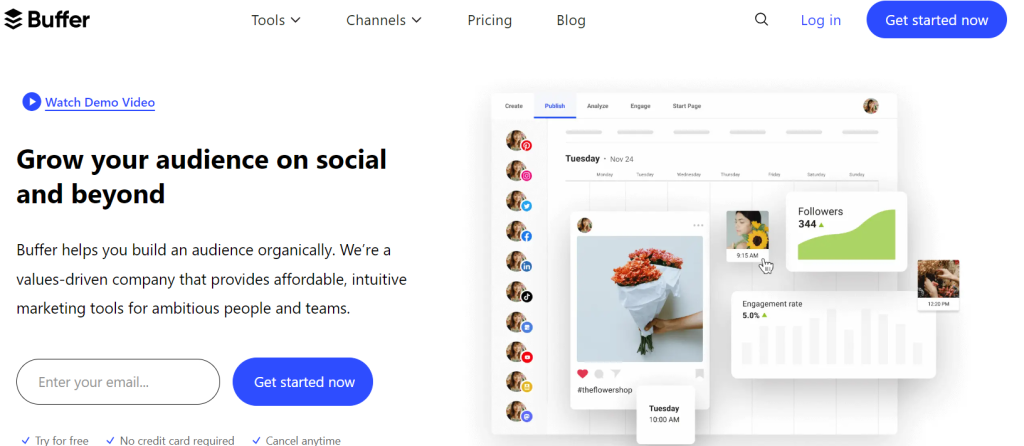
Buffer is a specifically used tool for social media content creators to schedule posts, content planning, and automation. It has a good ranking because the pricing plan starts at just $5 per month.
The essential value of Buffer is content planning and posting instead of adding too many features to it. It provides a free trial of 14 days per person. That plan offers you three social channels and 10 scheduled posts.
| Pros | Cons |
|---|---|
| Free image creation tool | Limited social capabilities |
| Paid plan better | Does not integrate with competitors |
| No monitoring tool is available | |
| Automatic scheduling | |
| Flexible pricing model |
Features of Buffer
- Multiple posts and tweets
- Social profile sharing
- Profile management
- Multi-media format sharing
- Agency/business planning
- Analytics and insights
- Stats comparison
- iOS and Android support
- Team collaboration
- 2-step account login
- Customized scheduling
- Standard buffering
Pricing of Buffer
Buffers offer a 14-day free trial, with these different prices of packages.
- Free plan: $0 per month
- Essential plan: $6 per month
- Team plan: $12 per month
- Agency: $120 per month
7. Loomly
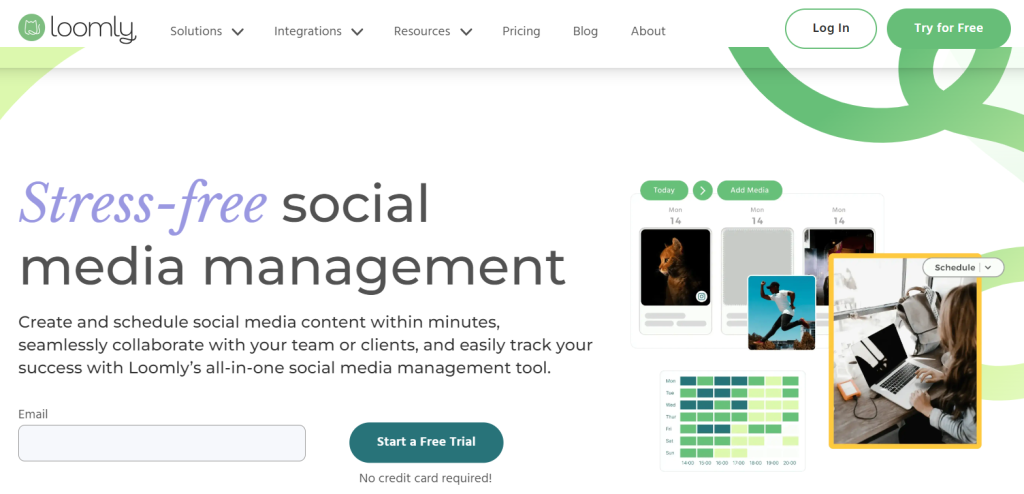
Loomly is an excellent social media management platform to publish content and respond to social media messages. It offers impressive plans for teams of almost 30 to get massive collaboration.
The platform allows users to create eye-catching content for Meta, Pinterest, LinkedIn, and X. Loomly has helped 68,099 managers worldwide take their social media to another level.
| Pros | Cons |
|---|---|
| A constant flow of ideas | No social media listening |
| Managing all content in one place | No chatbot or automated response feature |
| Expert post with helpful tips | |
| Limit errors and omissions | |
| Content planning to save time |
Features of Loomly
- Social Analytics
- Social Publishing
- Campaign Optimization/Planning
- Social Engagement
- Social Ads
- Content Calendar
- Content Library
- Shared Inbox
- Approval Workflows
- Users and Permissions
- Content Creation
Pricing of Loomly
- Base: $32 per month
- Standard: $64 per month
- Advanced: $131 per month
- Premium: $277 per month
- Enterprise: suitable price according to your business
8. MeetEdgar
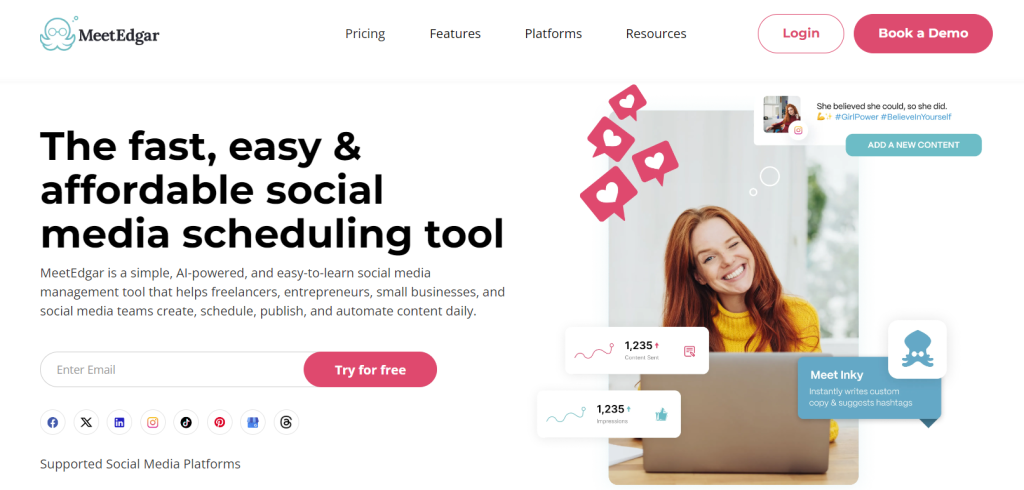
MeetEdgar is a famous social media tool that helps customers manage multiple social accounts in one place. It is an exceptional tool because features like automation and scheduling provide an effective way to automate publishing.
Businesses can better understand how social media influencers affect consumer behavior by utilizing the platform, which spends a lot of time recycling old postings and information.
| Pros | Cons |
|---|---|
| Easy post-recycling options | Expensive price |
| Analytics for engagement and response | Only integrates with Meta platforms, Pinterest, LinkedIn and Instagram |
| Free trial for seven days | |
| “Best time to publish” feature | |
Features of MeetEdgar
- Social Media Monitoring
- Post Scheduling
- Multi-Account Management
- Customer Engagement
- Brand Tracking
- Auto Publishing
- Analytics
- Content Management
Pricing of MeetEdgar
The Edgar provides two types of plans:
- Eddie Plan: $24.91 per month
- Edgar Plan: $41.58 per month
9. BuzzSumo
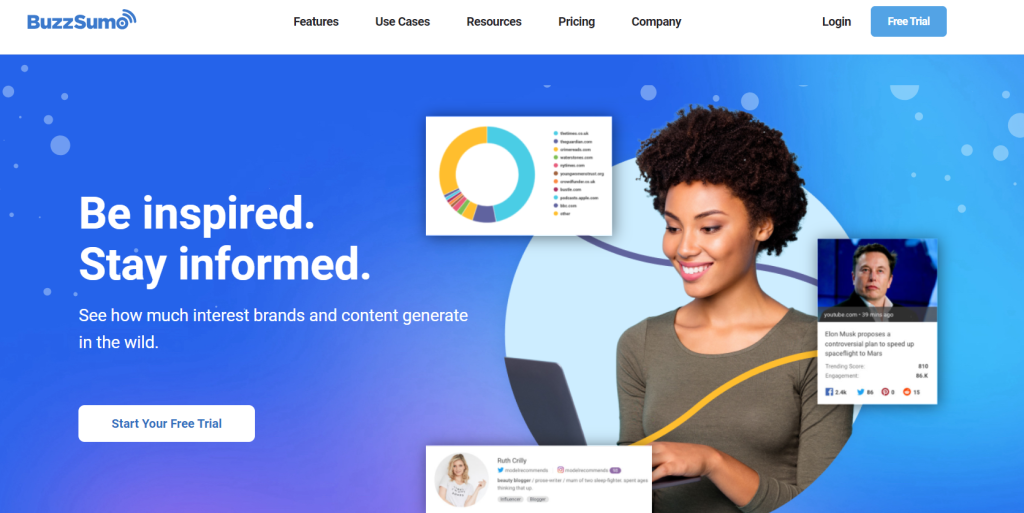
BuzzSumo is a cloud-based platform that serves research purposes. It allows users to search for the most shared content on social media channels.
You can attract more people by providing the most suitable content and surpassing more opportunities on social media platforms. The search area is so vast that the platform can also access other domains.
| Pros | Cons |
|---|---|
| Content discovery | Learning curve |
| Influencer outreach | Data overload |
| Trend analysis | |
| Competitor analysis | |
| Backlink tracking |
Features of BuzzSumo
- Advanced data filters
- Content creators’ details
- Data Exports
- Open API available
- Social Media Content Insights
- Social media Analytics
- Customized Alerts
- Effective Content Curation
- Personalized Interface
Pricing plans of BuzzSumo
- Content Creation: $199 per month/ 1 user
- PR and Comms: $299 per month/ 5 users
- Suite $499 per month/ 10 users
- Enterprise: $999 per month/ 30 users
10. Mention
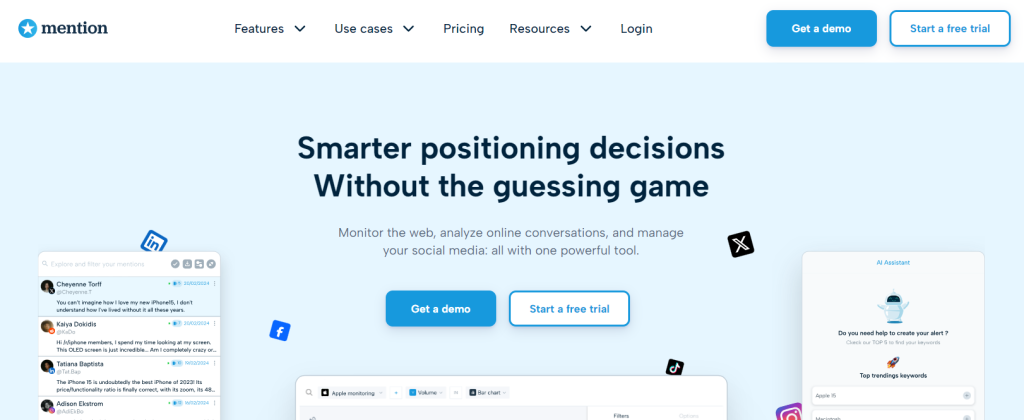
Mention is a social listening and monitoring of what people say about you, your business and your rivals. It enables brands and agencies to grasp crowd perception on social media and the web.
You will be able to monitor what people are saying about your product or brand on online platforms. It has 4,000 enterprise clients and exceeded 750,000 customers in 125 countries.
| Pros | Cons |
|---|---|
| Great brand monitoring options | Limited features at lower tiers |
| Clean, intuitive interface | Lack of learning tools |
| Free 30-day trial without credit card | |
| Determine ideal influencer | |
| Performance analytics |
Features of Mention
- Reporting/Analytics
- Billions of Sources
- Content Management
- Campaign management
- Influencer Dashboard
- Sentimental Analysis
- Social Media Integration
- Reporting & Statistics
- Account Management
- Data Exports
- API Access
- Historical Data
- Facebook crawling
Pricing of Mention
- Free: 14-day free trial
- Solo: $49 per month
- Pro: $99 per month
- ProPlus: $179 per month
Final Summary
Social media marketing tools make managing social platforms much easier for businesses of all sizes. Instead of doing everything manually, these tools help save time, stay organized, and understand what content works best.
Whether you need help with scheduling posts, designing content, or tracking results, there is a tool for every need and budget. If you choose the right social media marketing tools, businesses can grow their online presence, connect better with their audience, and get better results without extra stress.
Frequently Asked Questions
Why do businesses need social media marketing tools?
They save time, keep posting consistent, and help understand what content works best.
Which social media marketing tool is best for beginners?
Tools like Buffer, Canva, and Zoho Social are easy to use and beginner-friendly.
Can I manage multiple social media accounts with one tool?
Yes, most tools allow you to manage multiple platforms like Facebook, Instagram, Twitter, and LinkedIn from one dashboard.
Do these tools help with analytics and reports?
Yes, many tools provide analytics to track likes, reach, engagement, and post performance.
How do I choose the right social media marketing tool?
Choose a tool based on your budget, ease of use, features, and the platforms you want to manage.